
How to Organize Business Receipts Without the Monthly Chaos
You know that drawer.
The one with receipts stuffed inside.
Some are folded. Some are faded. Some are attached to business cards. And there are probably a few where you have absolutely no idea what you bought.
Then tax season comes around and suddenly you're expected to make sense of all of it.
There is a better way.
Organizing business receipts doesn't have to become a major monthly project. The key is creating a simple system that captures receipts as they happen instead of forcing you to reconstruct everything later.
Why Business Receipts Matter
Receipts are more than pieces of paper.
They provide documentation for business expenses and can help you understand where your business money is going. They're also an important part of maintaining organized bookkeeping records.
But keeping every receipt doesn't mean throwing everything into one folder and calling it a day.
Your system should make it easy to find supporting documentation when you need it.
Start With Digital Receipts
If you're still keeping boxes of paper receipts, it's time to consider going digital.
Many businesses already receive receipts electronically through email, online accounts, and payment platforms.
Create a consistent place to store those documents.
For example, you might have folders for:
Office expenses
Advertising and marketing
Travel
Software
Supplies
Equipment
Professional services
The exact categories will depend on your business.
The important thing is consistency.
Take a Picture of Paper Receipts
You don't have to keep every physical receipt forever just because someone handed it to you.
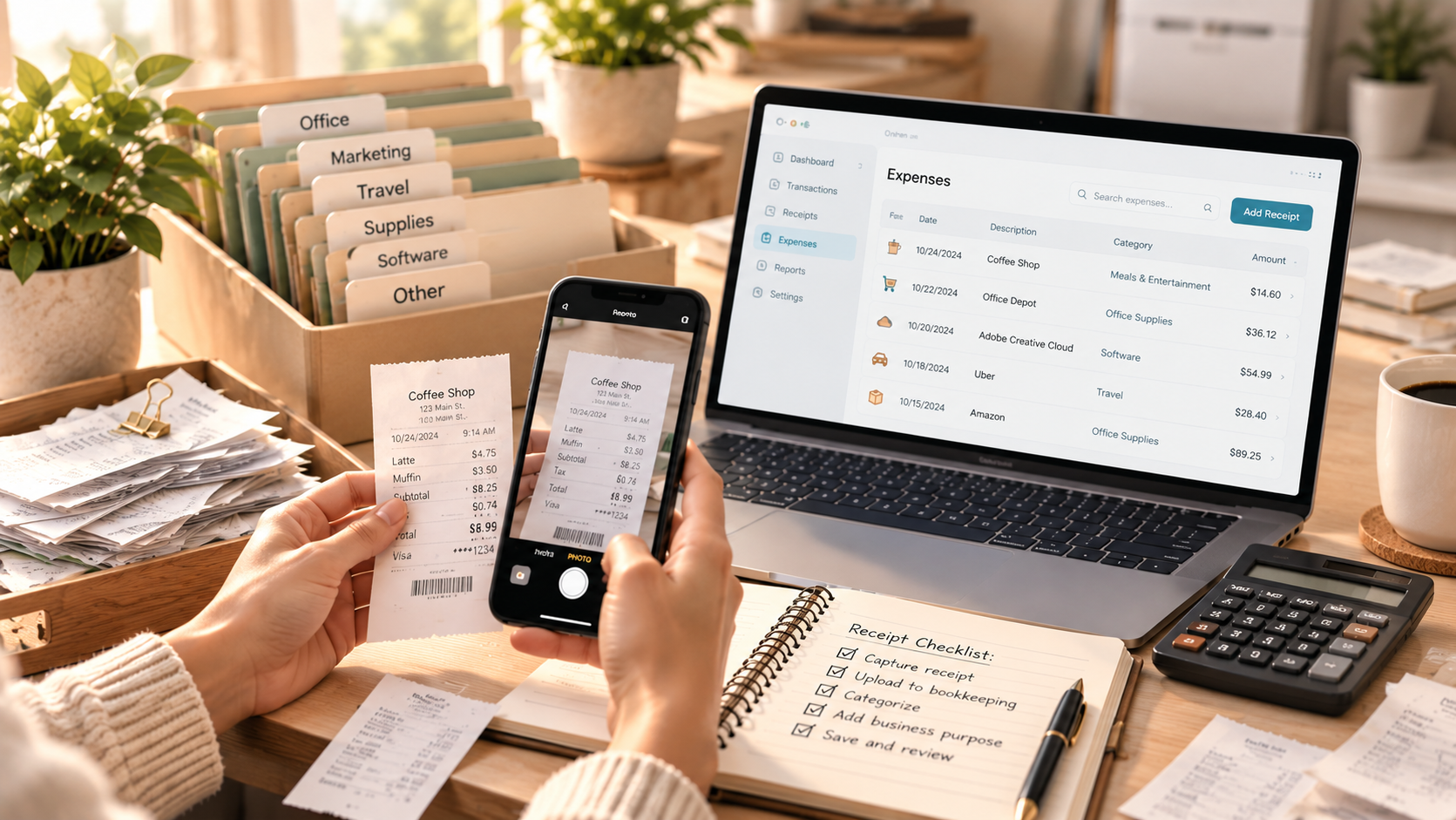
For receipts you receive in person, use your phone to capture an image and store it with your financial records.
The goal is to create a reliable digital record before that little piece of paper disappears.
And yes, receipts do disappear.
Usually right when you need them.
Don't Wait Until Month-End
Here's where many business owners get themselves into trouble.
They save every receipt with the intention of organizing them at the end of the month.
Then the end of the month arrives.
So does payroll.
And client work.
And invoices.
And meetings.
And the next thing you know, it's three months later.
Instead of creating a giant monthly bookkeeping project, create a small ongoing habit.
When you make a business purchase, capture the receipt.
When an email receipt arrives, save it.
When you purchase something online, download the documentation.
A two-minute task today can prevent a two-hour cleanup later.
Connect Receipts to Your Bookkeeping
Your receipt system should work with your bookkeeping system.
If you're using QuickBooks Online, for example, you may be able to attach supporting documentation to transactions.
This creates a much more useful record than simply having a folder full of receipts.
Ideally, you should be able to look at a transaction and answer:
What was purchased?
When was it purchased?
How much did it cost?
What business purpose did it serve?
Where is the supporting documentation?
That is much more useful than a stack of receipts sitting in a drawer.
Don't Forget About Business Purpose
A receipt tells you what you bought.
It may not tell you why you bought it.
For expenses where the business purpose isn't obvious, make a quick note.
For example:
"Client lunch — meeting with ABC Company regarding project."
That's far more useful six months later than trying to remember why you spent $146 at a restaurant.
Create a Receipt Routine That Fits Your Business
Your bookkeeping system doesn't need to be complicated.
You might use:
A bookkeeping platform
Cloud storage
Receipt capture software
Your accounting software
A combination of these tools
The right system depends on your business size, transaction volume, and workflow.
The important part is that you have a process.
What If Your Receipts Are Already a Mess?
Don't spend the next six months feeling guilty about it.
Start where you are.
Separate current receipts from older receipts.
Create your digital filing system.
Then work backward through the older records as needed.
If you're significantly behind, bookkeeping cleanup can help you get your financial records organized before moving into a more manageable ongoing process.
Final Thought
You don't need a beautiful filing system.
You need a system you will actually use.
The best receipt organization system is simple enough that you can maintain it even when you're busy running your business.
Because let's be honest — if your receipt process requires a spreadsheet with 17 tabs and a weekly three-hour meeting with yourself, you're probably not going to keep up with it.
Keep it simple. Keep it consistent. And make your bookkeeping work for your business.
Aurrera Bookkeeping helps small business owners organize their financial records and establish bookkeeping processes that are easier to maintain year-round.
